Loading...


AWOS 5.0.5 brings Wi-Fi 7 within reach of every OmniAccess Stellar deployment.
From a new entry-level Wi-Fi 7 access point to real-time access control, simpler remote AP onboarding, and finer control over network forwarding, this release makes OmniAccess Stellar Wi-Fi more accessible, more secure, and easier to run.
Let’s take a look at the highlights.
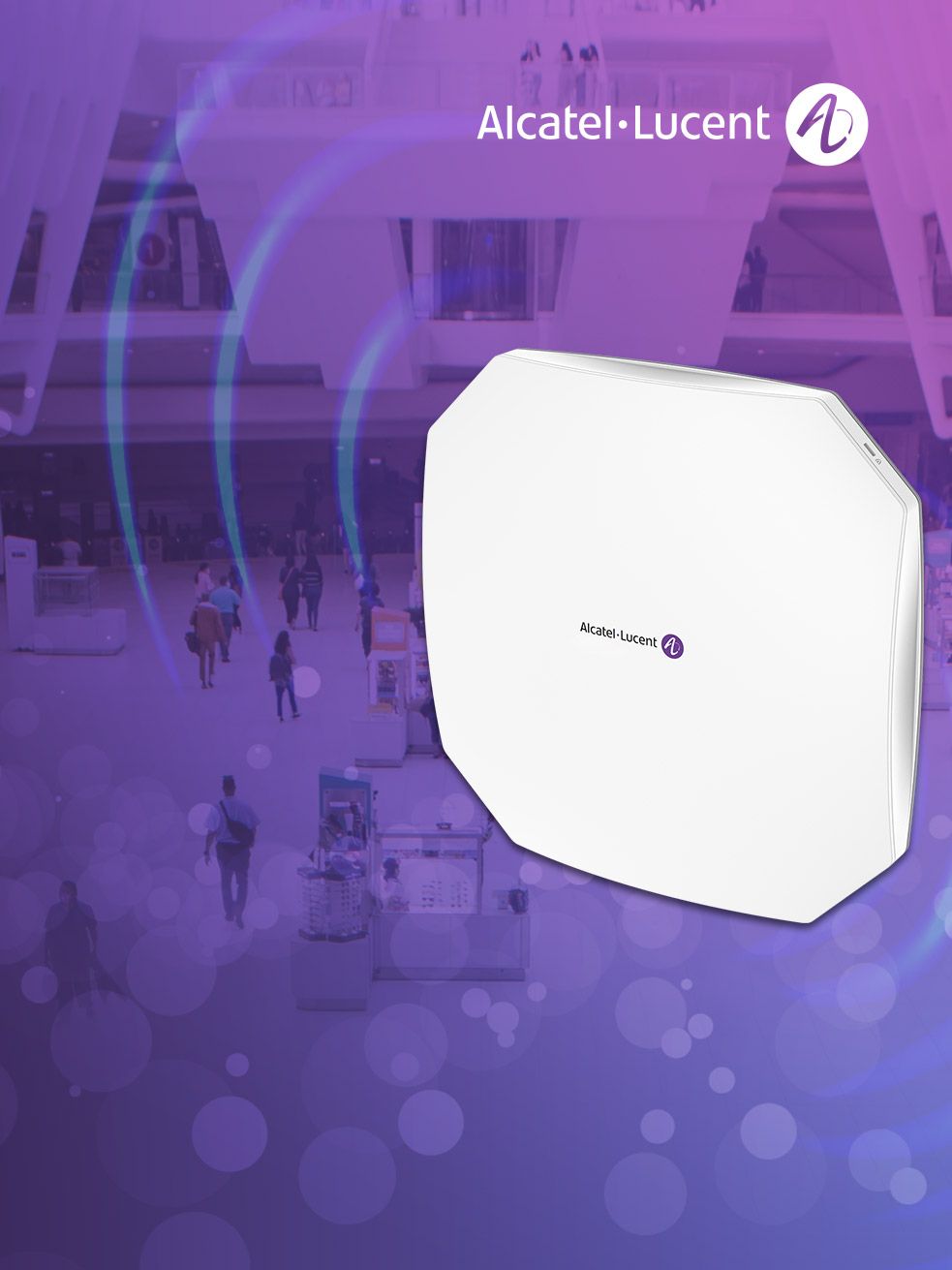
AWOS 5.0.5 introduces the newest member of the OmniAccess Stellar Wi-Fi 7 family, built to make next-generation Wi-Fi a practical choice for every site.
The new AP1501S is designed for small organizations that want reliable, straightforward Wi-Fi 7 at the right price. Branch offices, retail stores, small campuses and hotels get the essential performance they need, without over-engineering or unnecessary cost.
What makes it stand out is that it brings the core 802.11be features (Multi-Link Operation, OFDMA, MU-MIMO and 4096-QAM) to an entry-level price point. It complements the tri-band AP1501 wherever the 6 GHz band isn't needed, isn't yet permitted, or where budget leads the decision.
Highlights include:
Running the same AWOS software as the rest of the OmniAccess Stellar portfolio, the AP1501S mixes freely with existing APs. Manage it controller-less in Wi-Fi Express (up to 64 AP1501S per cluster, or 255 alongside other OmniAccess Stellar APs), from the cloud with OmniVista Lite freemium or OmniVista Cirrus, or on-premises with OmniVista Terra.
The AP1501S is available to order now, with certifications currently covering the European Union, Norway, Switzerland and the United Kingdom, and more countries to follow.
Knowing who is on the network is only half the job. Acting on it instantly is what keeps it secure.
In previous releases, Change of Authorization (CoA) and Disconnect Messages (DM) were limited to portal authentication. AWOS 5.0.5 extends them to 802.1X and MAC authentication on Wi-Fi 6 and Wi-Fi 7 access points, so administrators can now:
This applies to both wired and wireless clients, unifying dynamic policy management across portal, 802.1X and MAC authentication. The result is stronger post-authentication enforcement and much more flexibility for security teams.
The release also includes LDAP optimization on Wi-Fi 6 and Wi-Fi 7 APs, for smoother authentication against directory services.
Zero-touch Remote AP onboarding to OVTX
Remote APs (RAPs) can now register to the OVTX platform automatically. When a RAP calls home to the OmniVista Cirrus activation server, the server points it to OVTX. The RAP then switches itself to OVNG mode and completes registration with no manual reconfiguration on site.
More control over network forwarding
TCP Segmentation Offload (TSO) can now be enabled or disabled on all APs, directly from the Network Forwarding settings. TSO stays enabled by default, giving support teams an extra lever for fine-tuning without changing the out-of-the-box experience.
Regulatory-ready 6 GHz
To help customers stay compliant with regional spectrum rules, the 6 GHz radio is now disabled by default on the AP1570-RW, AP1561-RW and AP1542-RW. Administrators can turn it on with an AP configuration update or CLI command once local regulations are confirmed.
AWOS 5.0.5 also resolves a dozen customer-reported issues since release 5.0.4, including:
• Stability with Deep Packet Inspection (DPI) enabled
• Airtime Fairness behavior
• DSPSK authentication
• DHCP option 138 handling
• Channel changes applied without a reboot
• ARP proxy reliability and client connectivity
The result is fewer surprises in production and a smoother experience for users and IT teams alike.
AWOS 5.0.5 is more than a maintenance update. It opens Wi-Fi 7 to cost-conscious sites with the AP1501S, gives security teams real-time control over every authenticated session, and makes remote deployments and day-to-day operations simpler.
Whether you're bringing Wi-Fi 7 to branch offices and stores, tightening access control across 802.1X and MAC authentication, or rolling out remote APs at scale, AWOS 5.0.5 delivers improvements that make your OmniAccess Stellar network more accessible, more secure and easier to run.
Ready to upgrade? Check the release notes before installing, then follow the user guide for step-by-step configuration.